Orifice Sizing🔗
Introduction🔗
This tutorial is designed as a workshop, where the user can navigate through a number of predefined experiments built around the orifice sizing flow balancing experiment contained within Modelon's Liquid Cooling Library (LCL).
Before Starting🔗
Set aside 20-30 minutes to finish all tutorial steps.
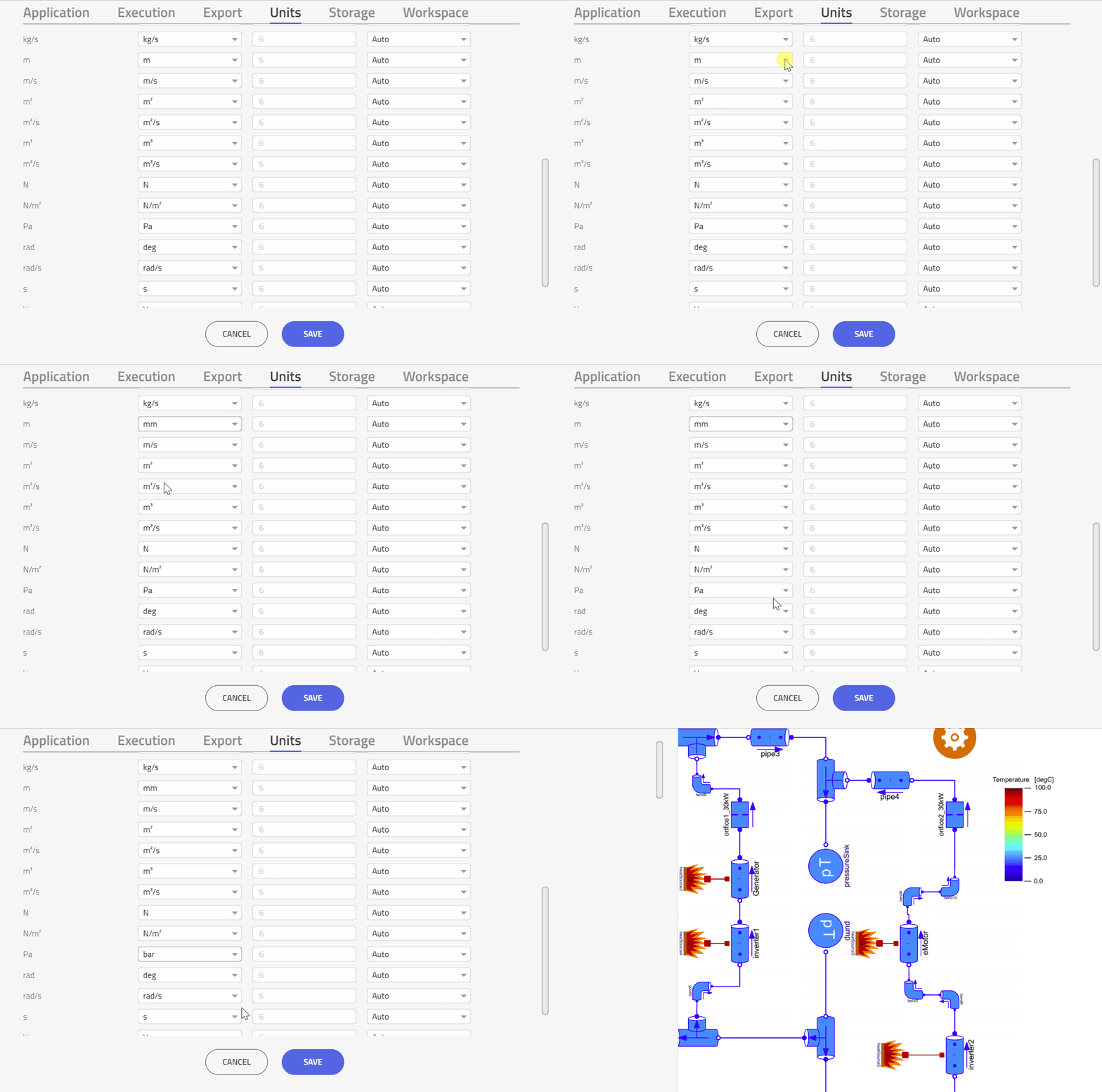
- Go to settings and select SI Units under the Units tab.
- Change the display units for length and pressure to mm and bar respectively
- Change the display units for temperature from K to degC.
Image
Problem Setup🔗
The goal of the model is to solve a flow balancing problem, obtaining a suitable orifice sizing for a TMS consisting of three fluid branches connected in parallel which intend to cool down a number of components making up an electric propulsion system (EPS).
Experiment 1🔗
The first experiment is devised to solve the orifice sizing problem, deriving a suitable orifice diameter for each branch based on a design mass flow.
Experiment 2🔗
With the flow balancing problem solved, a small domain exploration of the pump pressure can be performed through a multi-run experiment.
Experiment 3🔗
Now let's look at an example where we want to carry out a domain exploration over more than one input parameter. For the sake of this experiment titled "Experiment 3 - Flow Simulation - dp_pump and T_pump Sweep".
Experiment 4🔗
Demonstrate how using another multi-run simulation, to perform a sensitivity analysis on the rightmost orifice component orifice2_30kW, namely, how the choice of design flow rate value m_flow0 (and subsequently, the orifice diameter) will have on the temperatures across all other components in the system.
Experiment 5🔗
The final experiment in this tutorial will demonstrate a parameter variation of m_flow0 for the same orifice but for a much larger range.
Conclusion🔗
As demonstrated in this tutorial, Modelon Impact is well suited to solving flow balancing problems in steady-state using the built-in Physics-based Solver (PbS)